
Command An Army Tools
Checklists and spend plans you can run before a 12-player round starts.
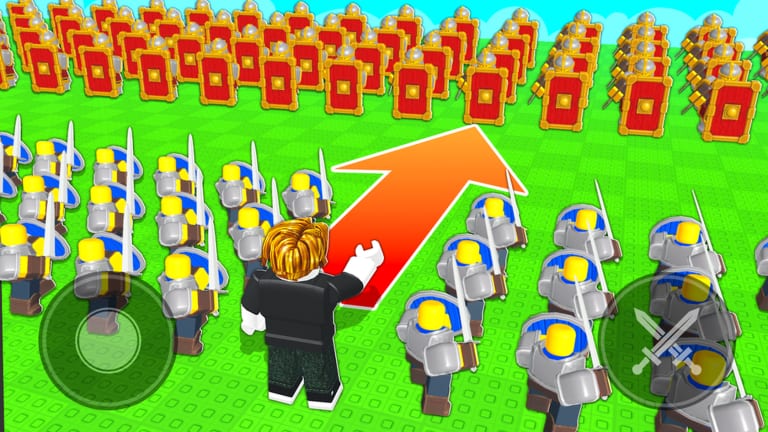
Command An Army does not ship an in-game theorycraft pane. You get a shop, a codes button, and a match that starts whether your roster makes sense or not. This hub is the missing pane: a gem planner, a match checklist, and a game passes buyer’s page. They are not calculators with fake DPS. They are the same decisions on how to win written so you can tap through them on a second screen.
What these tools are for
- Gem planner — turn RELEASE / WAR / BUGFIX / LEBALANCE into a wall, spears, closer, then Spartan. Stop mystery spins from eating the pile.
- Match checklist — attack or defend, point occupancy, facing, Cavalry reserve, codes window closed.
- Game passes — Skip Summon Spin and +50 Inventory Space. Optional Robux, never the entry fee.
If you want unit arguments, that is the tier list. If you want hands, that is controls. Tools are the pre-round pause.
How to use them in a session
- Redeem live codes.
- Run the gem planner once. Buy. Close the shop.
- Run the match checklist while the round is counting down.
- Play. Do not reopen either tool mid-charge.
- After the round, only reopen the planner if a patch landed or you unlocked Spartan.
Twelve-player servers punish tabbing out. Do the tools in the lobby, not on the point.
What we will not fake
There is no public API for Command An Army troop DPS. Anyone offering a “true damage calculator” this week is guessing. We would rather give you a spend order that matches the Castle circle than a spreadsheet of invented HP.
When the group publishes numbers, the planner can grow a table. Until then, jobs beat fake stats.
Other “tools” players ask for
- Code checkers — the only checker is the in-game redeem button. Dead codes move to expired.
- Script GUIs — not tools. See scripts.
- Trello — no official public Trello at launch. Discord is the board, on links.
- Inventory sorters — delete junk; the pass only adds slots. Full notes on game passes and summons.
Use the two pages under this hub and go play. A checklist that you actually run beats a dashboard you never open.
A sample lobby routine
Join the Roblox place. Redeem whatever is still live. Open the gem planner if the wallet moved. Buy the missing wall piece. Close the shop. Glance at the match checklist: defend, point, facing, horses in reserve, codes window shut. Queue. That is a two-minute routine and it already beats most launch pubs.
If you play with a friend, split the tools. One person owns the gem plan. The other owns the call in chat. Twelve-player servers do not need two commanders rewriting the roster at the same time.
When a new update drops, run the gem planner once more only if a code paid you again. Otherwise the match checklist is enough. Tools are for the pause before E, not for a second wiki tab during a Cavalry charge.
Frequently Asked Questions
Quick answers for codes, troops, and match setups.
Are these interactive calculators?
They are spend orders and checklists based on live gameplay. No fake DPS math.
Which tool do I use first?
Gem planner after you redeem codes, then the match checklist in the lobby.
Will you add a Trello clone?
Not unless the group publishes one. Use Discord via official links.
Do scripts count as tools?
No. They live under scripts with safety warnings.
Where are the Robux passes explained?
On game passes. Skip Summon Spin skips animations; +50 Inventory adds slots.